Writing a Google review is easy! If our team has made your day, you can leave a Google review to give a shout-out to our Support Team or let others know what you liked about our services.
How to Leave a Google Review
Rate and review us in four easy steps:
1. Log in to your Google Account and find the StraitsX Google profile (you may still see it listed under the former name, Xfers).

2. Navigate to the Reviews section
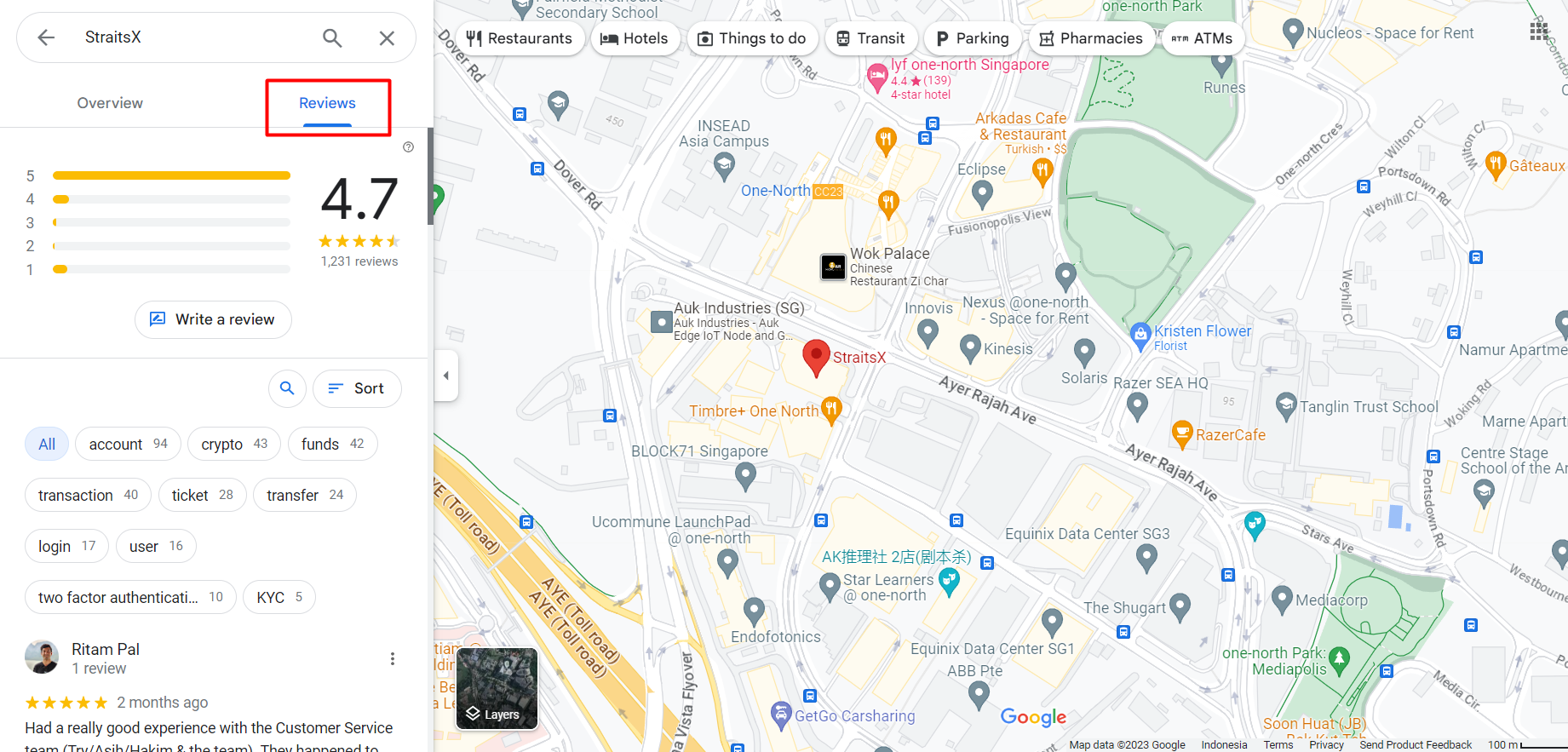
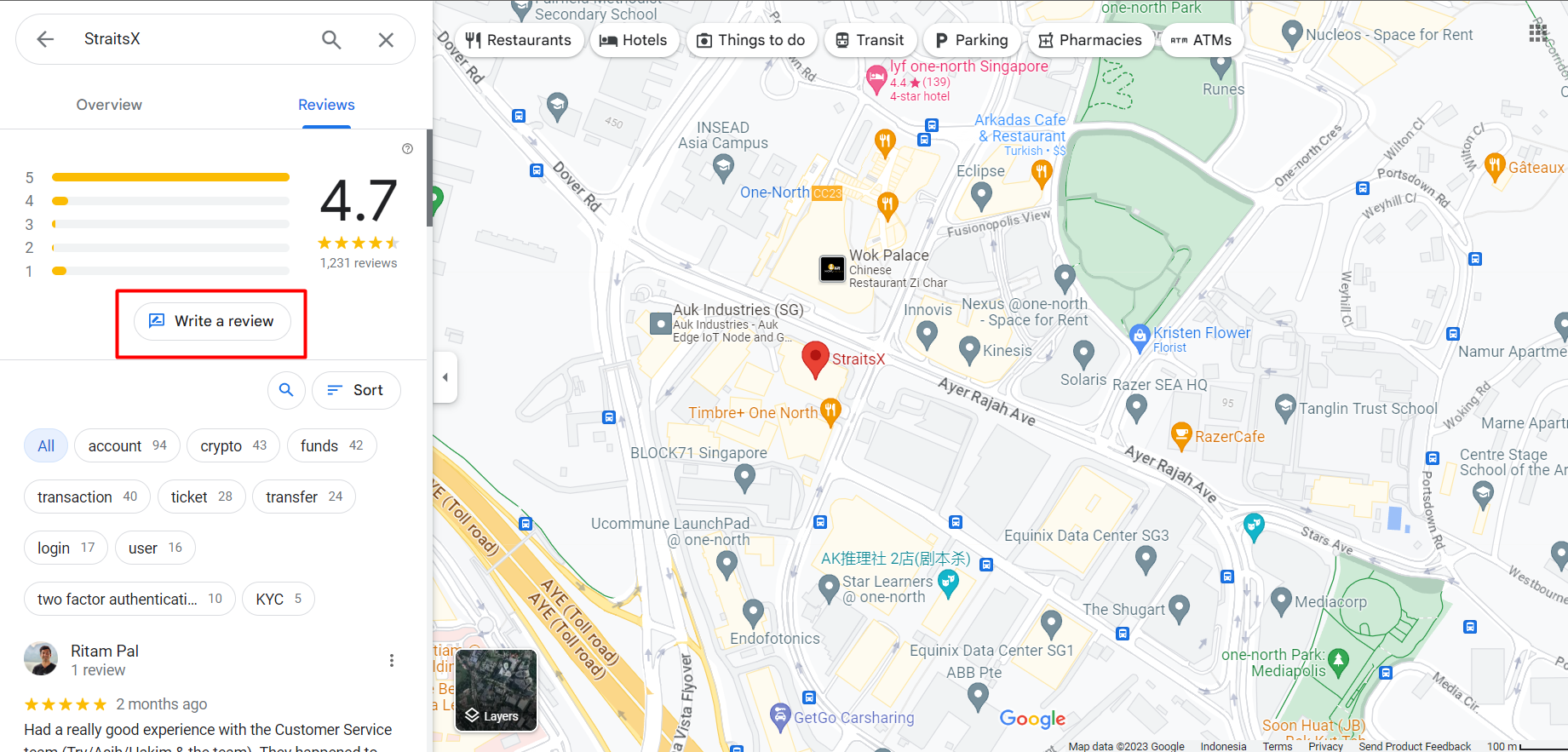
3. Click or tap “Write a review”.
4. Choose a rating, write about your experience, and click “Post” when you’re done.
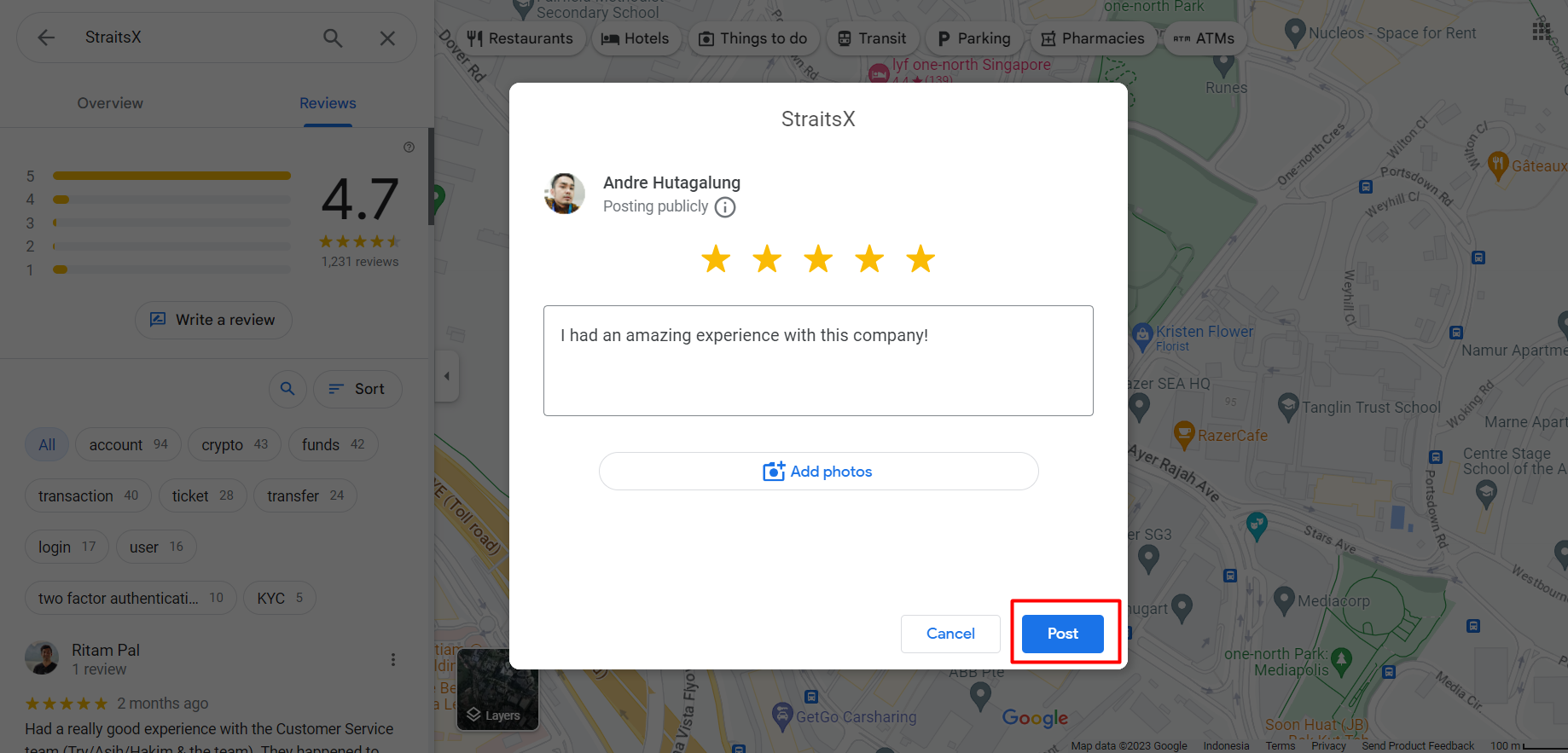
Once submitted, your review will be posted instantly on Google.
Important Notes:
- Reviews are publicly visible on Google
-
Please avoid sharing personal, sensitive, or account-specific information
- Submitting a review does not create a support ticket or replace contacting Customer Support
If you need assistance with your account or transactions, please contact Customer Support directly.
Was this article helpful?
That’s Great!
Thank you for your feedback
Sorry! We couldn't be helpful
Thank you for your feedback
Feedback sent
We appreciate your effort and will try to fix the article